
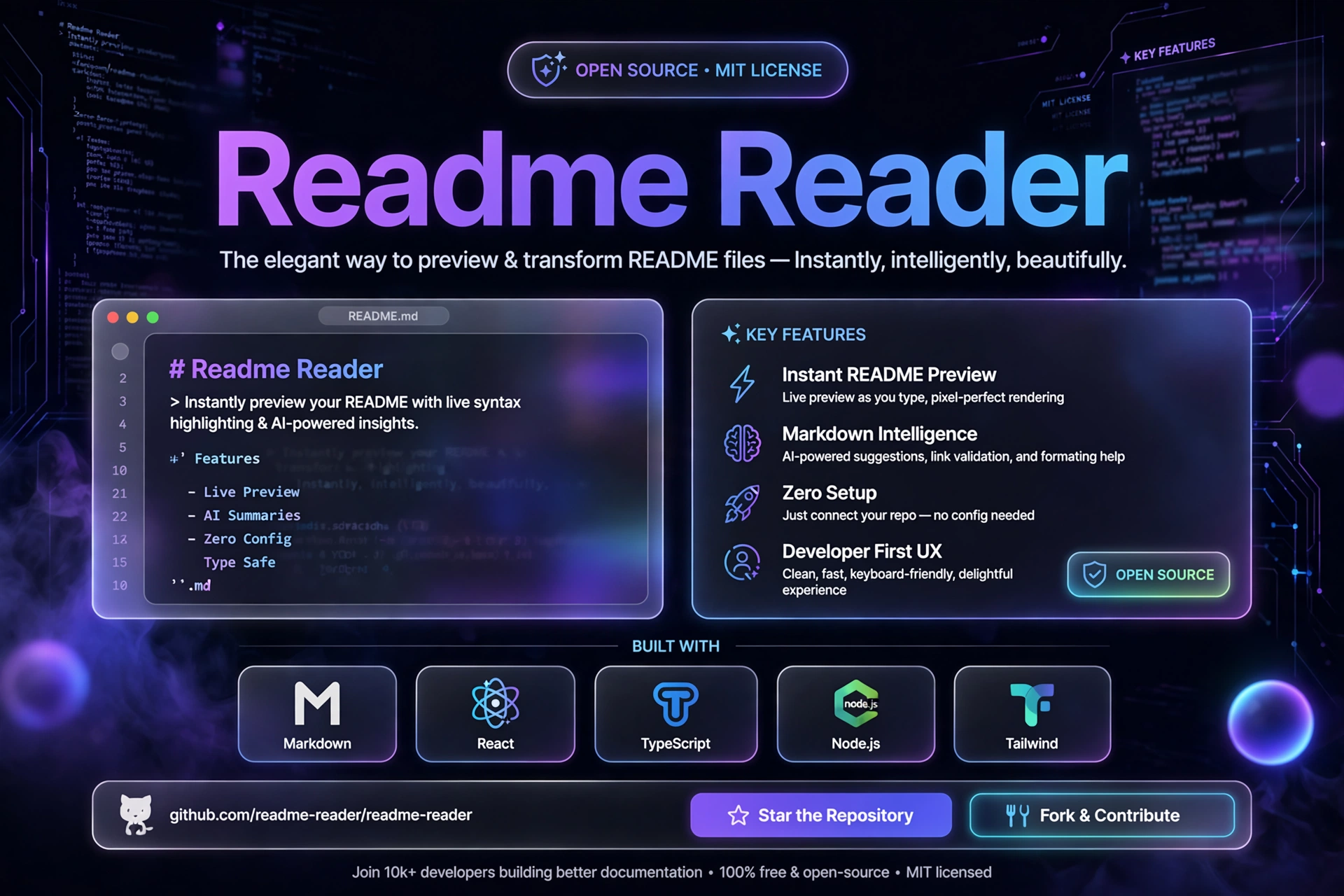
Readme Reader
Project Details
Readme Reader is a single-file, offline-first Markdown viewer designed with a sleek terminal/IDE-inspired interface. Built for ultimate privacy and speed, it allows you to drag and drop any local .md file and render full GitHub-Flavored Markdown instantly—100% locally in your browser with zero server uploads, tracking, or build steps.
Why Built?
Most Markdown previewers require a running local server, heavy npm dependencies, or an internet connection. Readme Reader eliminates all bloat. Just open the index.html file in your browser, drop your README in, and start reading.
Key Features
- Instant Client-Side Parsing: Powered by the native Web FileReader API and
marked.jsfor zero-latency local rendering. - Full GFM Support: Seamlessly renders headings, syntax-highlighted code blocks, tables, blockquotes, links, and embedded images.
- Privacy-First & Secure: Your files never leave your machine—zero telemetry, zero tracking, and zero background analytics.
- Developer-Centric UI: Dark-themed, minimalist terminal/IDE workspace tailored for comfortable technical reading.
- Zero Setup Required: Runs completely off a single standalone HTML file without npm install, bundlers, or framework overhead.
Tech Stack
- Frontend: Vanilla HTML5, CSS3, JavaScript (ES6+)
- Markdown Engine:
marked.js - File API: Native Browser FileReader API
How to Use
- Open
index.htmlin any modern web browser. - Drag and drop a
.mdfile onto the drop zone, or click to select a file. - Read your rendered document instantly offline.